
Employee portal
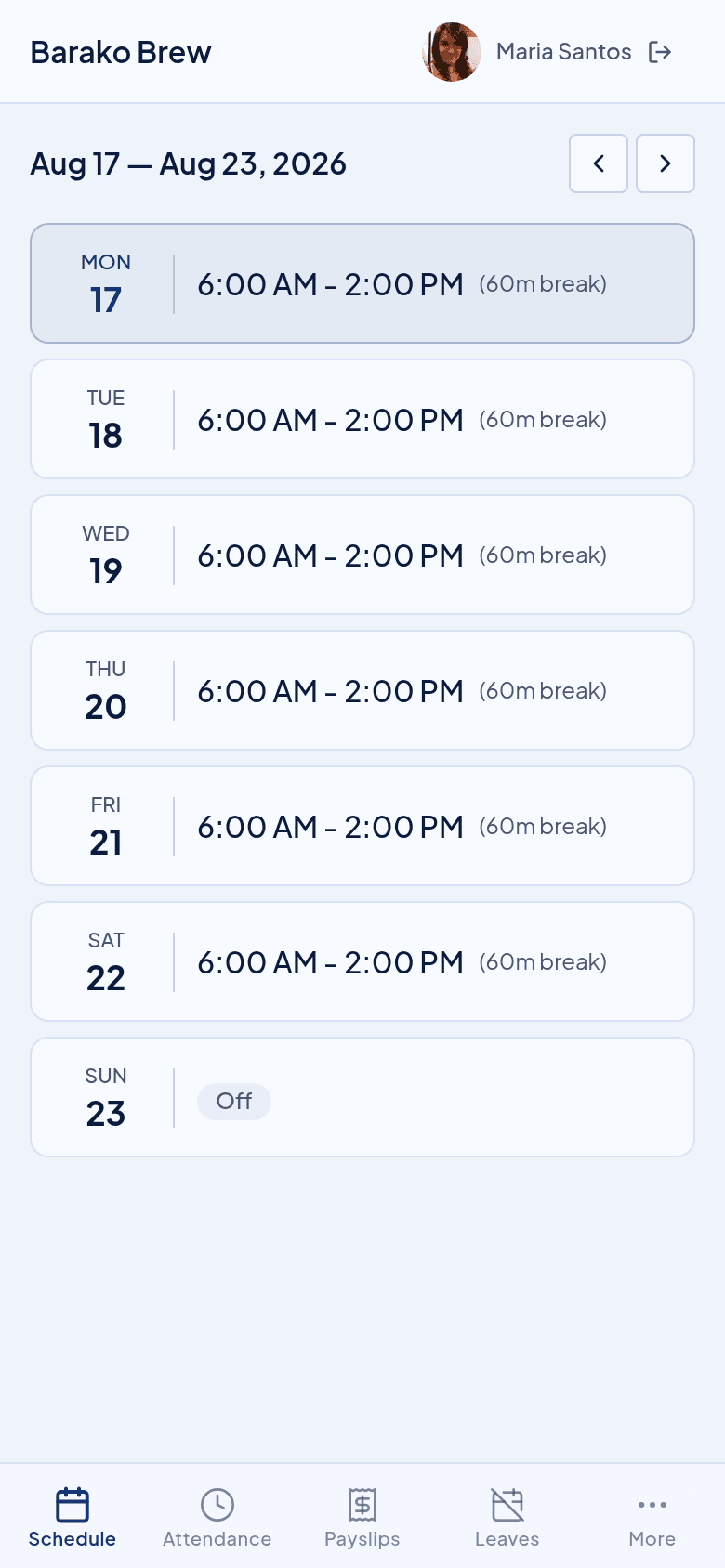
Staff check their own schedule and payslip, on their own phone.
They sign in with a PIN on the phone they already carry. There is nothing to install and nothing for you to send.
What they stop asking you
The three questions that arrive on a Sunday.
Their week is on the phone, with their hours, their rest days, and any leave you approved.
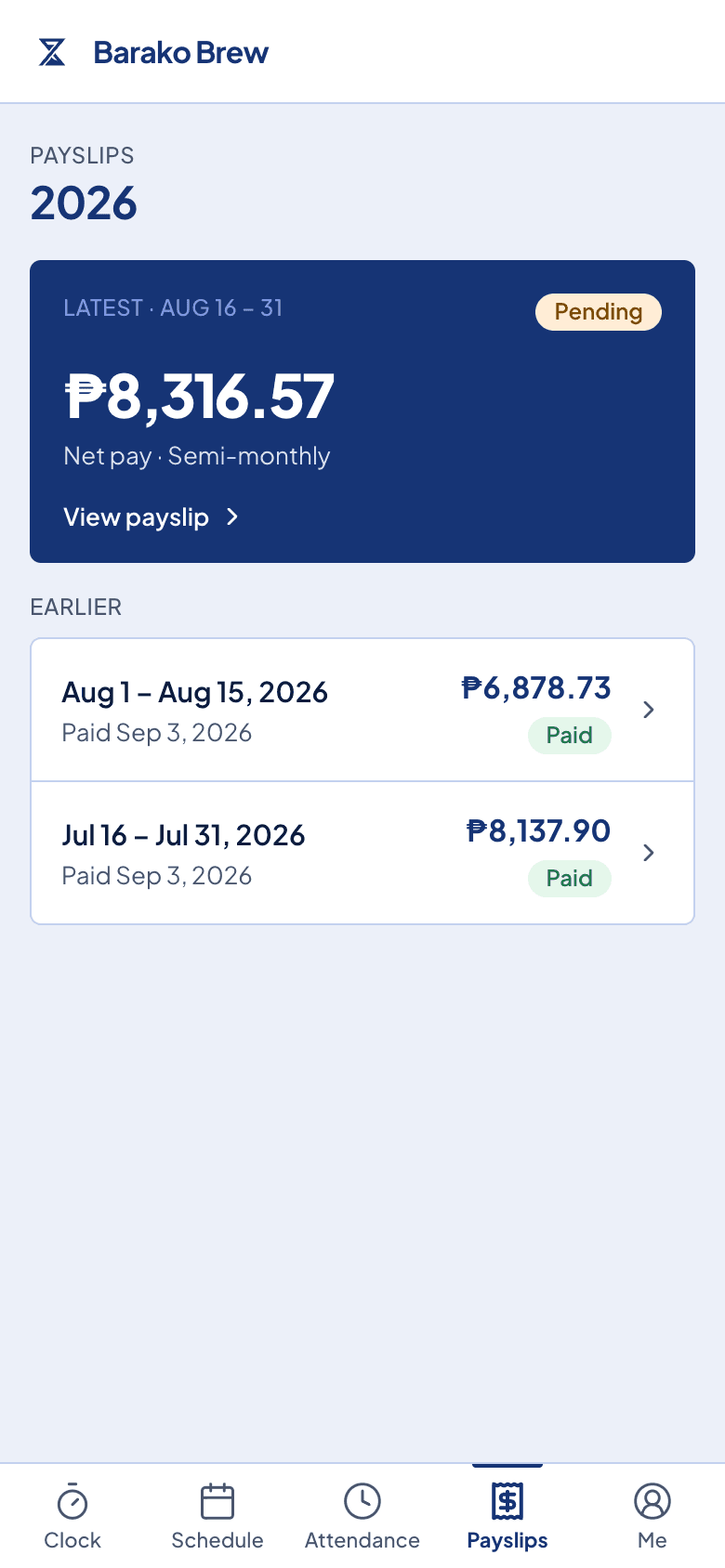
Their own payslip, itemized, with a PDF they can download. They see only their own.
Their balance is on the same screen where they file the next request.
Their own pay, and nobody else's.
A person signs in and sees their week, their payslips, and their leave balance. They cannot see another person's pay, so you are not the one holding everybody's private figures in a chat thread.
What comes with it
A phone is the only thing they need.
A PIN, not another password
Staff sign in with a PIN. There is no email account to set up for somebody who does not use email.
Their schedule, as you published it
The same week you set, with rest days and approved leave already on it.
Payslips they can keep
Every payslip since they joined, each one downloadable as a PDF for a loan or a visa.
Leave they file themselves
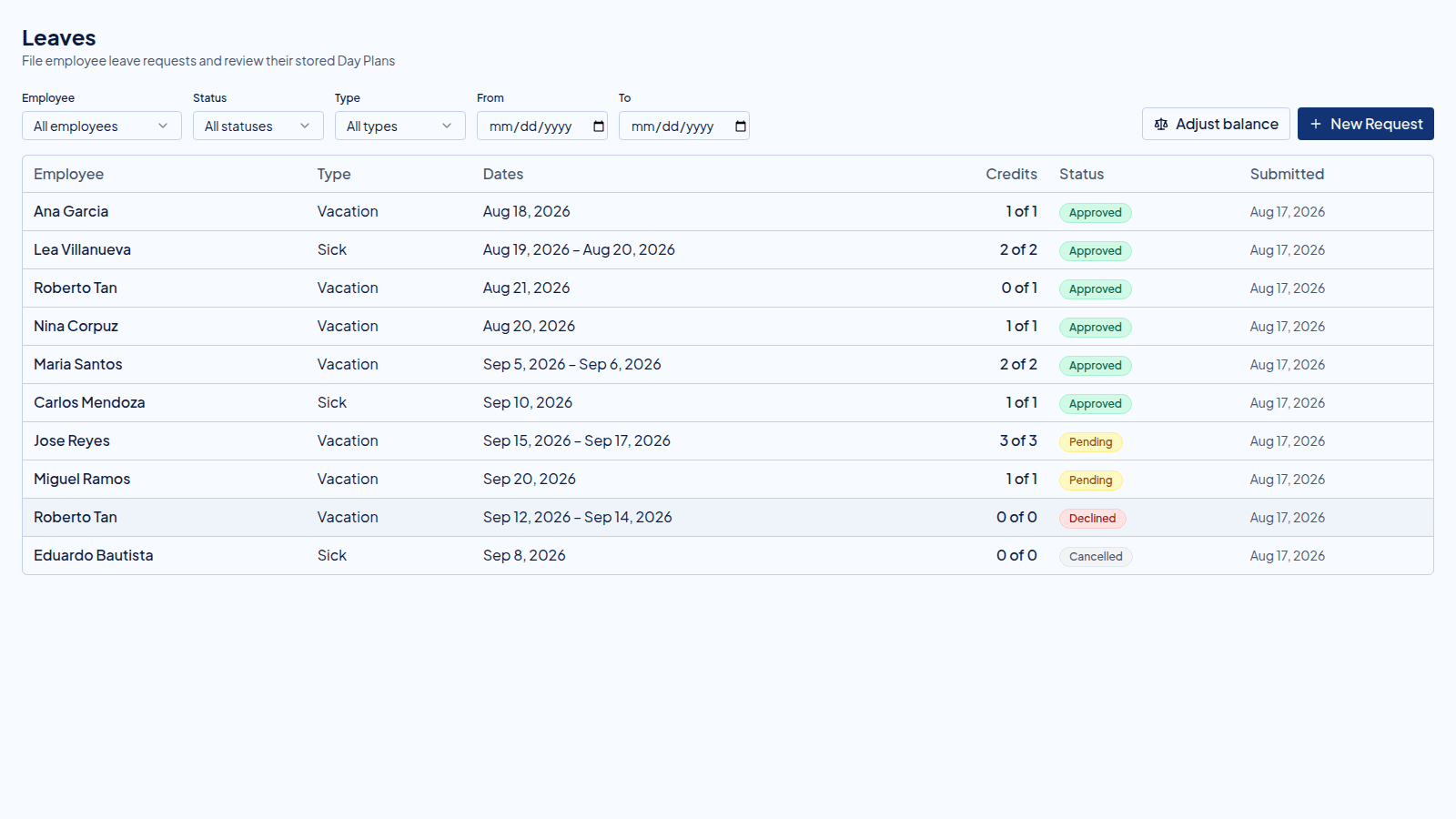
They request leave from the same place they read the balance, and it arrives in your list to approve.
Before you ask
Questions owners ask before they hand it out.
Does everybody need an email address?
No. Staff sign in with a PIN, so somebody who does not use email can still open their own payslip.
Do they have to install anything?
No. It opens in the browser on the phone they already carry, and they can add it to the home screen if they want.
Can one person see another person's pay?
No. Each person sees only their own schedule, payslips, and leave balance.
When do payslips appear for them?
Once you lock the run. Until then you are still checking the figures, and they see nothing.
Next in the flow
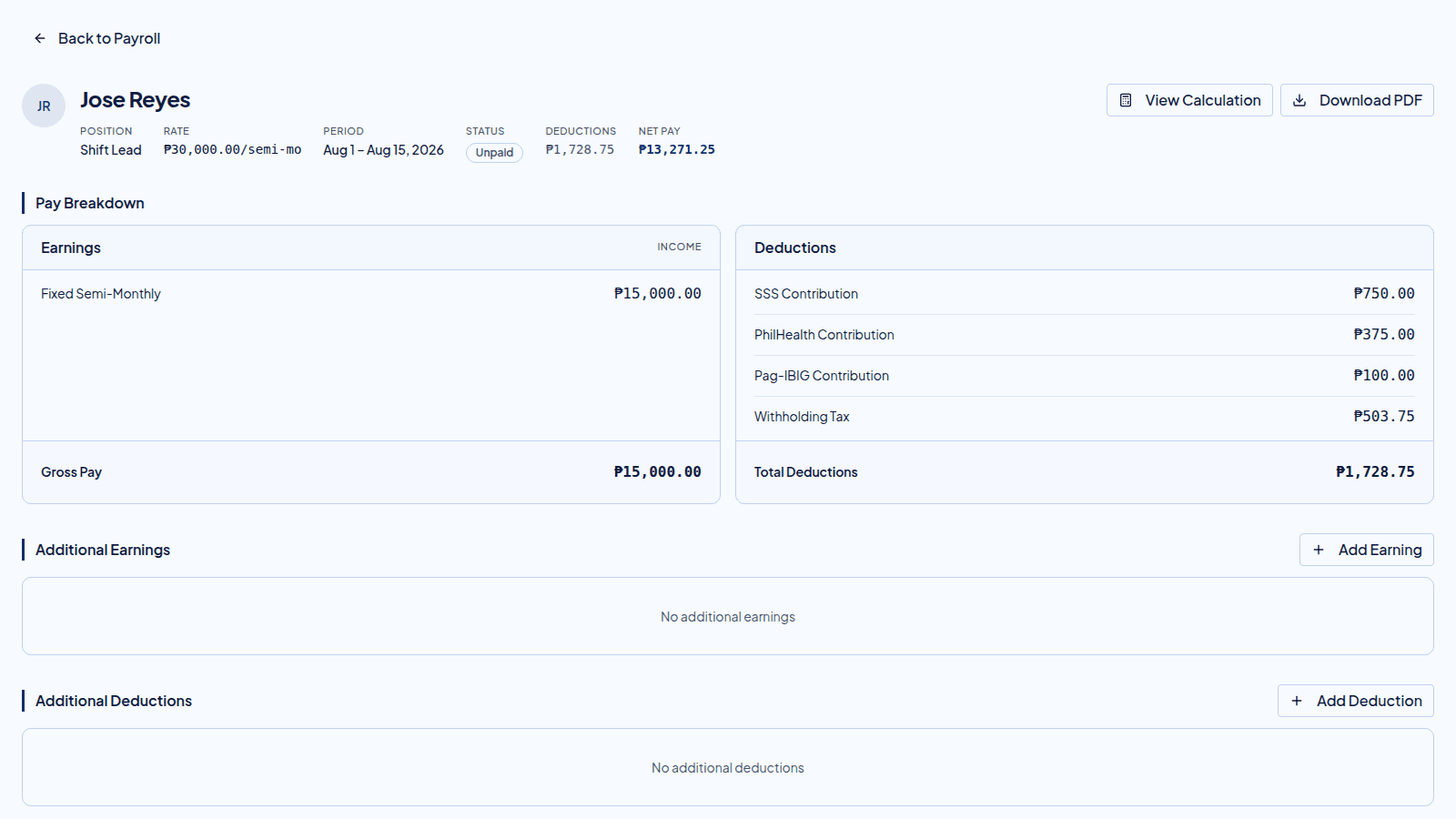
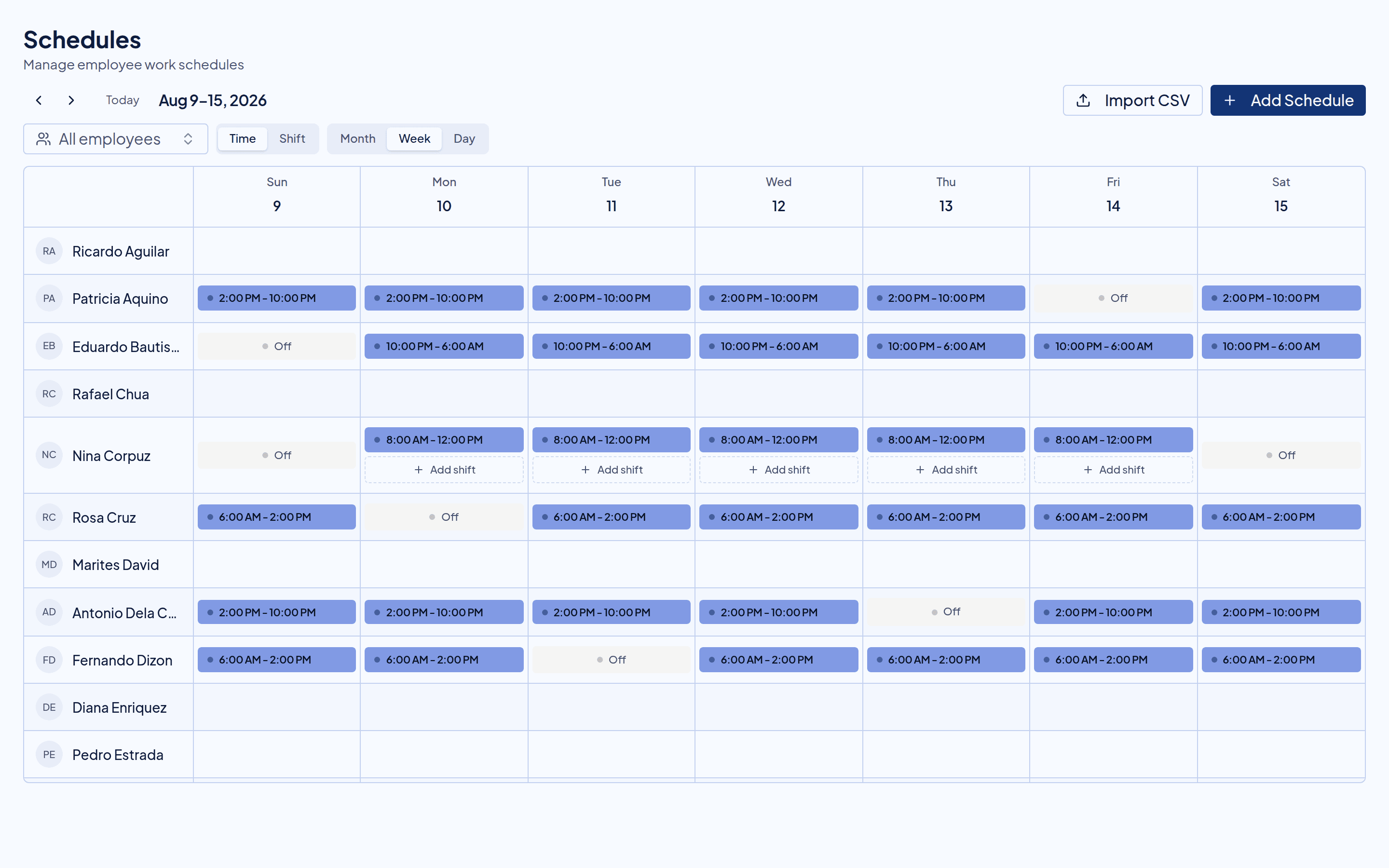
The portal shows what these produce.
Try it beside your spreadsheet.
Run one cutoff in Timekeep and compare it against the sheet you keep now. If the numbers do not match, you have lost nothing.
30-day free trial. No credit card. Cancel anytime.