
Kiosk
One shared tablet, and nobody punches in for a friend.
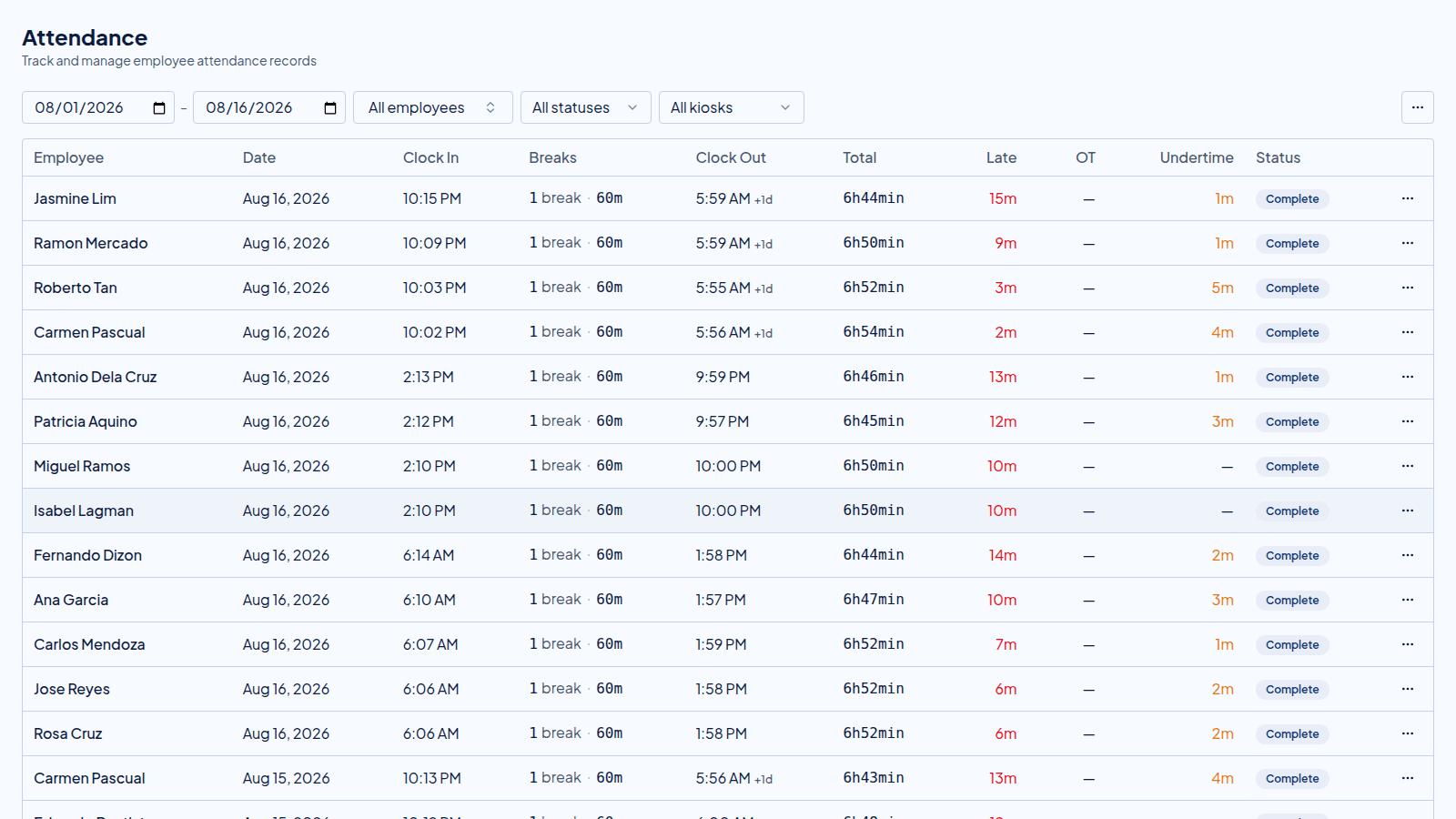
Each person confirms with a PIN or with their face, and every punch keeps the photo taken at that moment.

What one punch does
Even when the internet is not there.
The person finds their name and confirms it with their PIN, or by letting the camera see them.
The punch is saved with its time and with the photo taken at that moment.
If the line is down, the punch waits on the tablet and uploads itself when the internet comes back.
Scan a code, and the tablet becomes your kiosk.
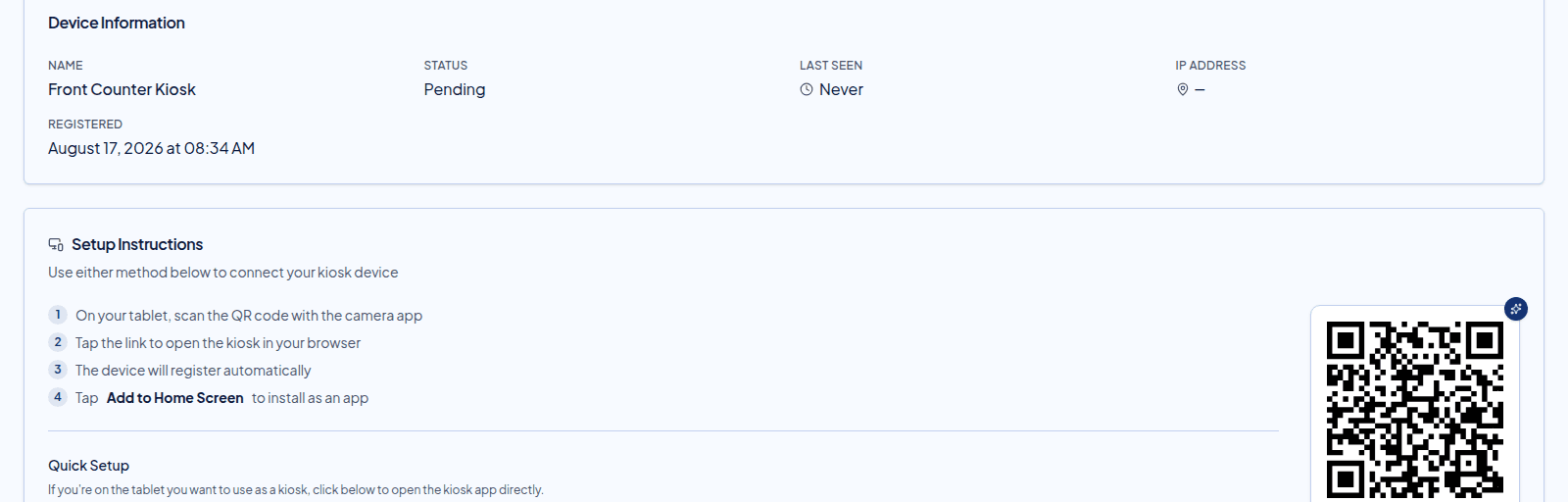
Point the tablet camera at the code, open the link, and the device registers itself. Add it to the home screen and it behaves like an app. If it goes missing, revoke it, and the punches it already made stay on the record.
What comes with it
A tablet on the counter, doing the checking for you.
PIN or face
Each person confirms with a PIN, or lets the camera check them. Both land on the same record.
It keeps working when the line drops
A punch made offline waits on the tablet, with its photo, and uploads itself once the internet returns.
One device, the whole team
A single tablet at the counter serves everybody. It opens in the browser and sits on the home screen, so there is no app store and nothing for each person to install.
Register a device, and revoke it
Set up a tablet with a short code, see when it was last used, and revoke one that goes missing without losing the punches it already made.
Before you ask
Questions owners ask before they set one up.
What happens when the internet goes down?
The punch is saved on the tablet with its time and its photo, and it uploads itself once the connection returns. Nobody writes times on paper.
Can I run more than one tablet?
Yes. Register as many as you need. Every punch lands in the same attendance list, whichever device made it.
Can somebody punch in for a friend?
Every punch keeps the photo taken at that moment, so a face that does not match the name shows on your board the same day.
What if a tablet is lost?
Revoke it from the dashboard. The device stops working, and the punches it already made stay on the record.
Next in the flow
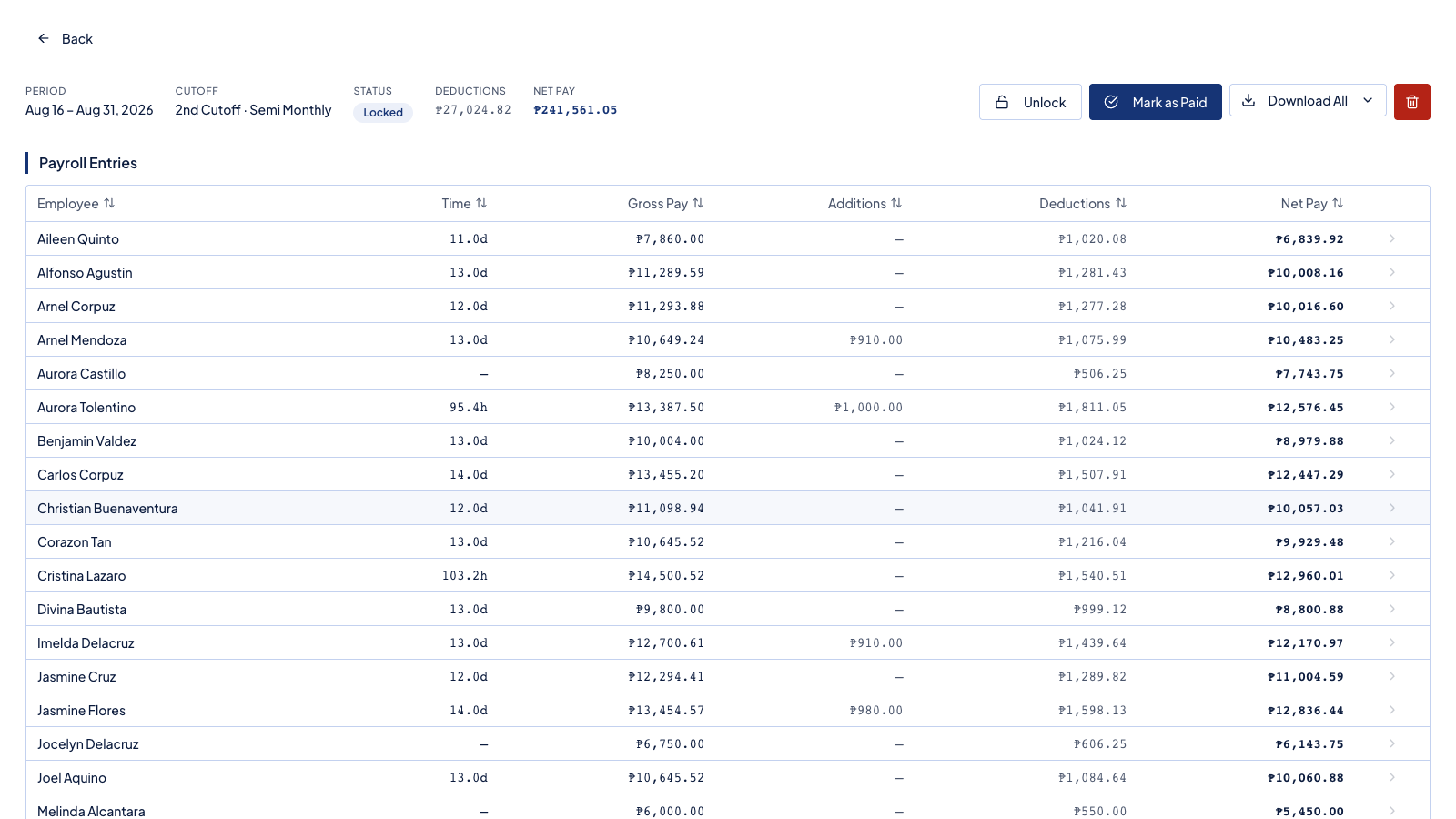
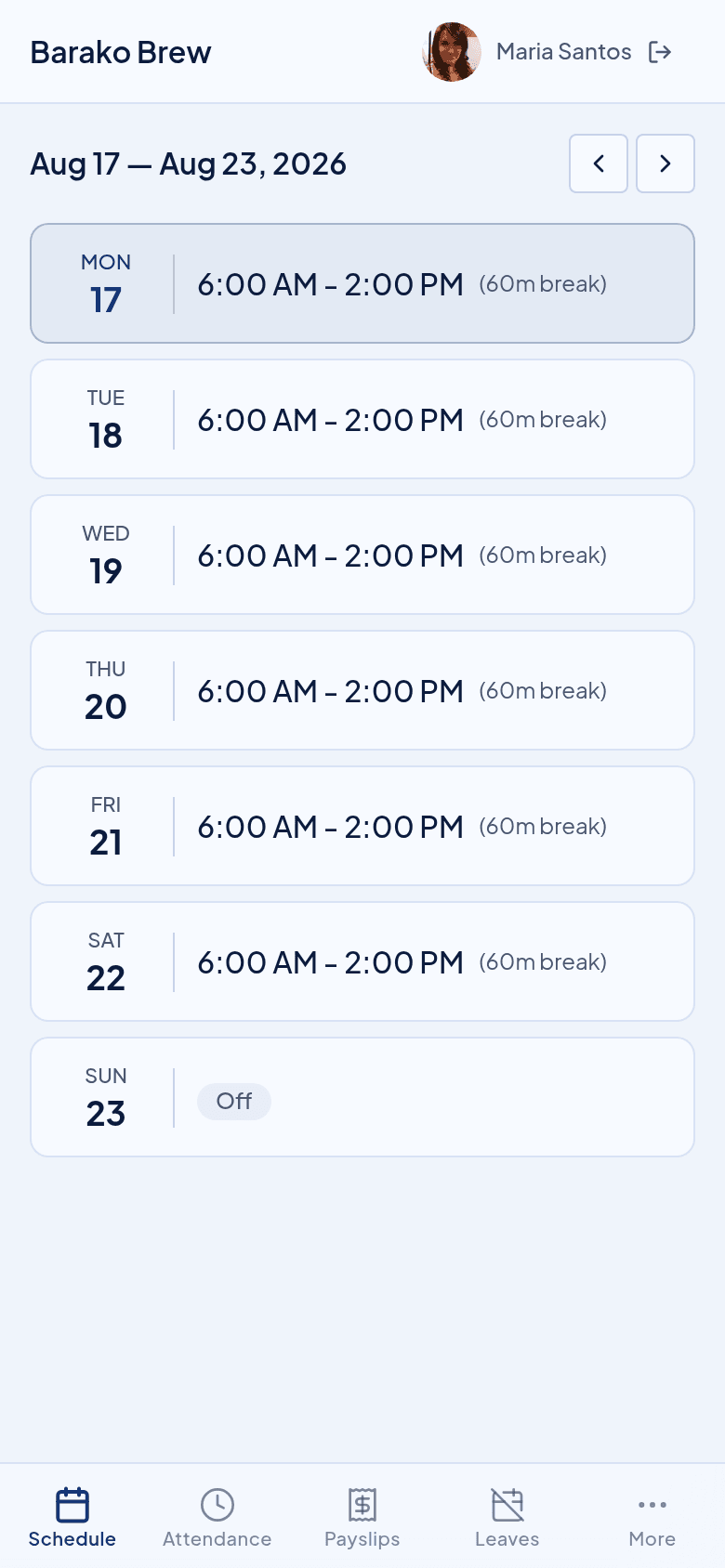
The kiosk hands its punches to these, the same day.
Try it beside your spreadsheet.
Run one cutoff in Timekeep and compare it against the sheet you keep now. If the numbers do not match, you have lost nothing.
30-day free trial. No credit card. Cancel anytime.